Minecraft 26.3 (Prism): transparent item icons
Transparent item icons in Minecraft 26.3 on Prism Launcher: the icon atlas lead, the GPU red herring and the real cause, SDL falling back to XWayland.
Also available in Français
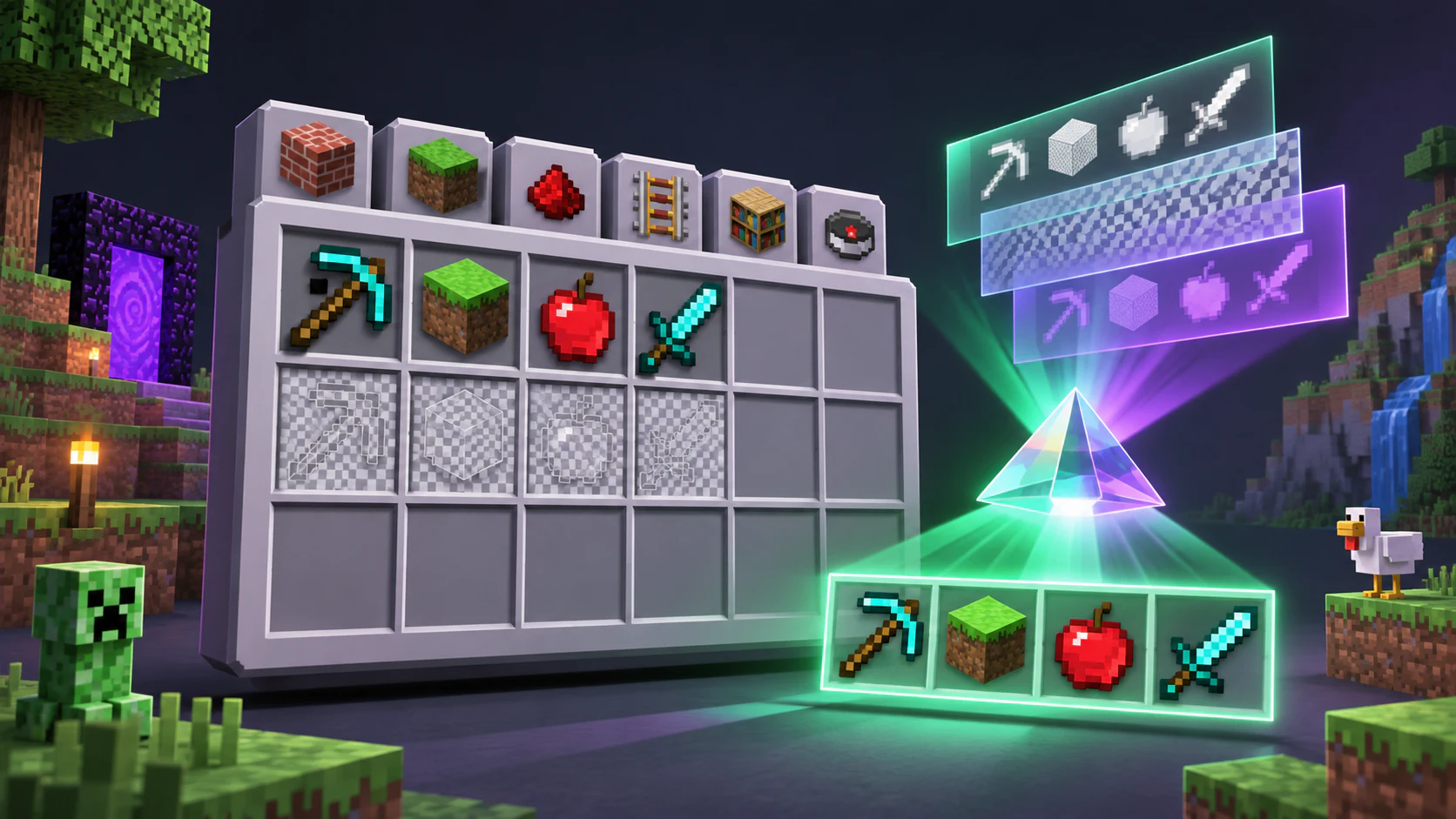
Minecraft 26.3, launched from Prism Launcher on Linux: when I open the creative inventory, some of the item icons are transparent. The items are there (you can pick them up), you just can’t see them. Here is how I ended up finding the cause, and why the right lead wasn’t the first one.
The symptom
Instance: ~/.local/share/PrismLauncher/instances/26.3/minecraft. 5120x2880 fullscreen display, guiScale:3. In logs/latest.log, when opening the creative inventory:
Too many items (64) in UI, some will be skipped! (Reached maximum texture size 512x512)There is a quick in-game fix: F3+T (reload packs) brings the icons back, until the next time.
First lead: the icon atlas
The UI item icons are drawn into an atlas capped at 512x512 px. If not everything fits, the extra items are skipped: transparent icon. It doesn’t depend on the resource pack, and with a 5120x2880 display at guiScale:3 the icons are large, so the atlas fills up quickly.
My back-of-the-envelope hypothesis (not confirmed): an icon is 16 px x guiScale, so a 512x512 atlas holds 64 icons at guiScale:4 (64 px), about 100 at 3 and 256 at 2. It matches the logs: the message appeared on the 21st (14:07, 66 items) and the 22nd (22:30:53, 64 items).
Test: guiScale:2 helps, but the interface becomes too small. A workaround, not a fix.
Dead end: driver and kernel
- Kernel
7.2.11-imac5kstitch,amdgpuOK. - OpenGL works on the system:
eglinfoon Wayland reports radeonsi pitcairn, GL 4.6, andglxinfoon XWayland is accelerated.
But in Minecraft, before the window is even created:
GlBackend.loadLibrary ... Could not retrieve OpenGL functionsThe game then falls back to Vulkan (RADV PITCAIRN, Mesa 25.0.7), and that works. The Requested swapchain extent ... not within allowed extent messages are just fullscreen resizing under XWayland, harmless.
The real problem: SDL falls back to XWayland
I had tried forcing OpenGL with preferredGraphicsBackend:"default" in options.txt (game closed, otherwise it rewrites the file). OpenGL still failed with the same error and the game went back to Vulkan: that test had never really happened.
The cause: SDL was falling back to XWayland, because my compositor doesn’t support fifo-v1. The fix is an environment variable on the Prism instance (instance settings, environment variables, with OverrideEnv=true):
SDL_VIDEO_DRIVER=waylandResult
Test on 23 October at 10:25: OpenGL 4.6 radeonsi pitcairn, SDL window on wayland, guiScale:3, singleplayer world. No more icon problem and no more Too many items.
Still to check: on the server, with more items (multiplayer creative), once it is back up. If the warning comes back, I’ll have to see whether it comes from the server or from the backend. In the meantime, my take: the real culprit was the XWayland fallback, not the atlas size.
Takeaways
- If OpenGL fails in Minecraft while
eglinfoandglxinfowork, check which backend SDL is really using. - On a Wayland compositor without
fifo-v1, SDL can fall back to XWayland.SDL_VIDEO_DRIVER=waylandin the Prism instance environment fixes it. - A test is only worth something if you’ve checked it tests what you think it does (here, the “OpenGL test” was actually running on Vulkan).